2D Animation
Bring characters to life with professional 2D animation and rigging in Moho.
About This Course
Master 2D Character Animation with Moho through practical, industry-focused training. Learn vector drawing, character rigging, facial expressions, animation principles, walk cycles, camera techniques, and performance animation.
Create a fully rigged character and portfolio-ready animation project, build a professional production workflow.. Receive industry feedback, career guidance, and a certificate of completion.Top performing students may also be considered for opportunities at Ogopogo Studios or on our 2D animated series Adventures in Mayapur.. Learn skills to either add to your portfolio to get jobs or to create your own quality content. Stand out from AI slop with something unique an hand-made, or learn enough animation foundations to properly guide AI.
- Format: 10 weekly classes · 10 weeks
- Online
- Weekly: Friday, 8:00 PM - 10:00 PM
- Language: English
- Level: Beginner
- Available seats: 15
- Tuition:
US$100.49US$80.39 (Early bird special: Save US$20.10) - Classes Start: 1 December 2026
- Registration Closes: 25 November 2026


Instructor
Md Jawad Mahmud Ratin
2D Animation (Moho) & Rigging Expert
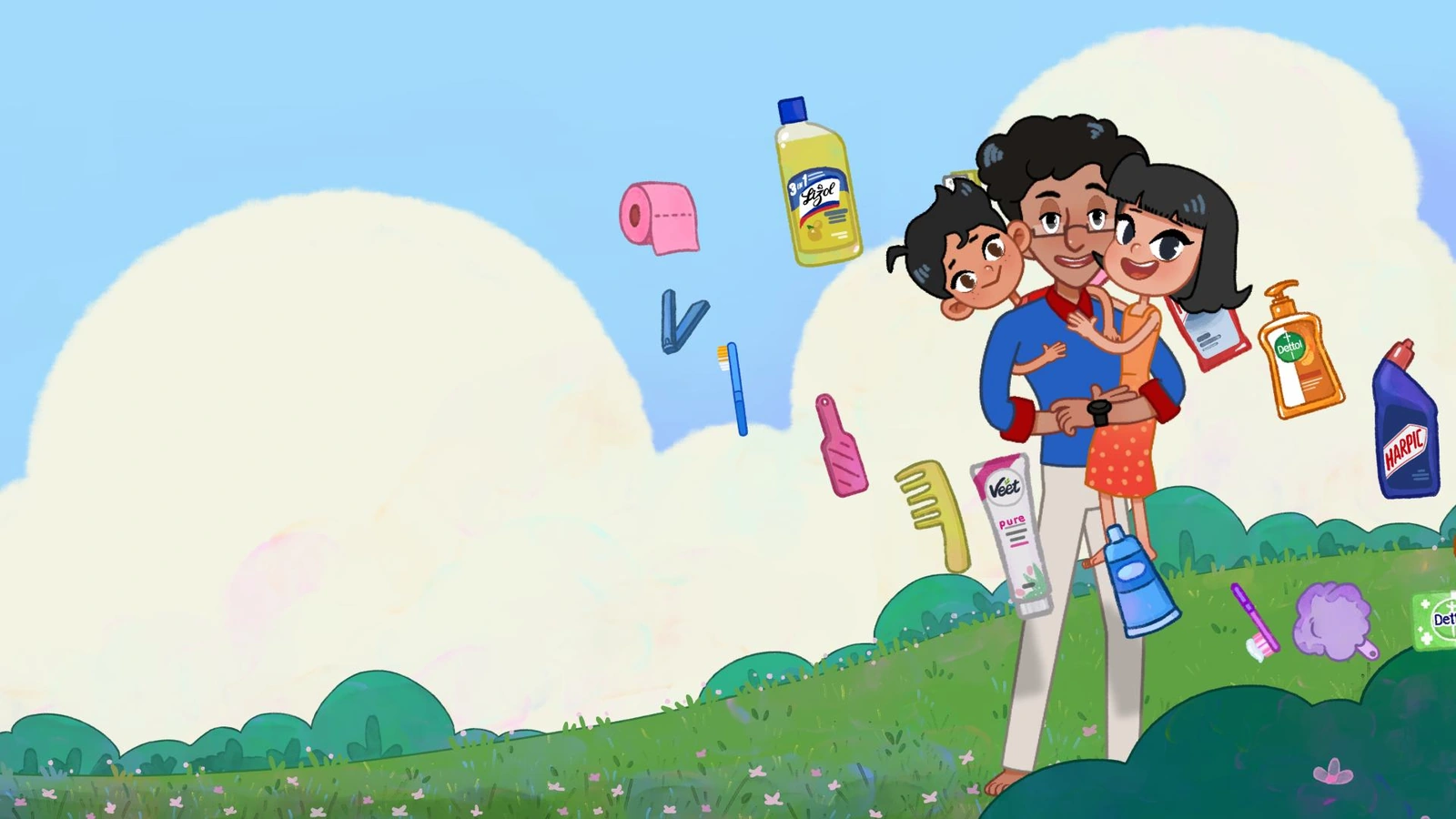
Ratin is a skilled 2D animator and rigging specialist with strong expertise in Moho. With professional studio experience, he specializes in character rigging, smart bone systems, and efficient animation workflows. As a mentor, he helps students build strong technical skills, creative confidence, and a studio-ready approach to 2D animation. He is currently working at Ogopogo Studios as a lead animator on the series Adventures in Mayapur.
Course gallery
Curriculum
Class 1: FoundationsUnderstand Moho’s interface, essential tools, and basic workflow while creating a simple character base.
- Introduction to Moho interface
- Essential tools and panel overview
- Basic workflow setup
- Layer organization fundamentals
- Creating a simple character base
Class 2: Vector CraftLearn how to create clean vector artwork and modular character parts for animation.
- Vector drawing tools in Moho
- Creating clean line art
- Designing modular character parts
- Shape refinement and edit points
- Preparing artwork for rigging
Class 3: Core RiggingUnderstand the fundamentals of bone systems and rig a functional limb setup.
- Introduction to bone systems
- Bone placement for limbs
- Binding artwork to bones
- Flexi-binding vs layer binding
- Testing simple joint movement
Class 4: Character AssemblyCombine all parts and rig elements into a complete production-ready character.
- Organizing layers for production
- Connecting body parts into one full rig
- Rig hierarchy and structure
- Troubleshooting rig issues
- Preparing a complete character setup
Class 5: Expressive SystemsBuild flexible facial systems for expressions and dialogue-ready mouth shapes.
- Facial rigging basics
- Using switch layers
- Building expression sets
- Creating reusable mouth shapes
- Managing facial controls for dialogue
Class 6: Motion PrinciplesAnimate believable movement using keyframes, timing, and interpolation.
- Keyframing basics
- Timing and spacing
- Interpolation and easing
- Creating simple character actions
- Understanding motion flow
Class 7: Character LocomotionBuild a convincing walk cycle using rhythm, balance, and body mechanics.
- Walk cycle structure
- Rhythm and body balance
- Weight shifting
- Movement arcs
- Refining natural locomotion
Class 8: Cinematic ToolsUse Moho’s camera system to create stronger composition and storytelling.
- Moho camera tools
- Camera movement basics
- Framing and composition
- Creating dynamic shots
- Adding storytelling depth through camera work
Class 9: Performance & PolishRefine motion and timing for smoother, more professional animation.
- Refining timing
- Editing motion curves
- Smoothing transitions
- Adding performance detail
- Final animation cleanup and polish
Class 10: Showcase ProjectApply all learned techniques in a polished final character animation scene.
- Guided final scene production
- Applying rigging, expressions, and animation together
- Scene composition and presentation
- Final export and review
- Showcase feedback session
Why Choose Ogopogo?