Stop Motion Animation
Hands-on training in stop-motion animation using objects, miniatures, and puppets.
About This Course
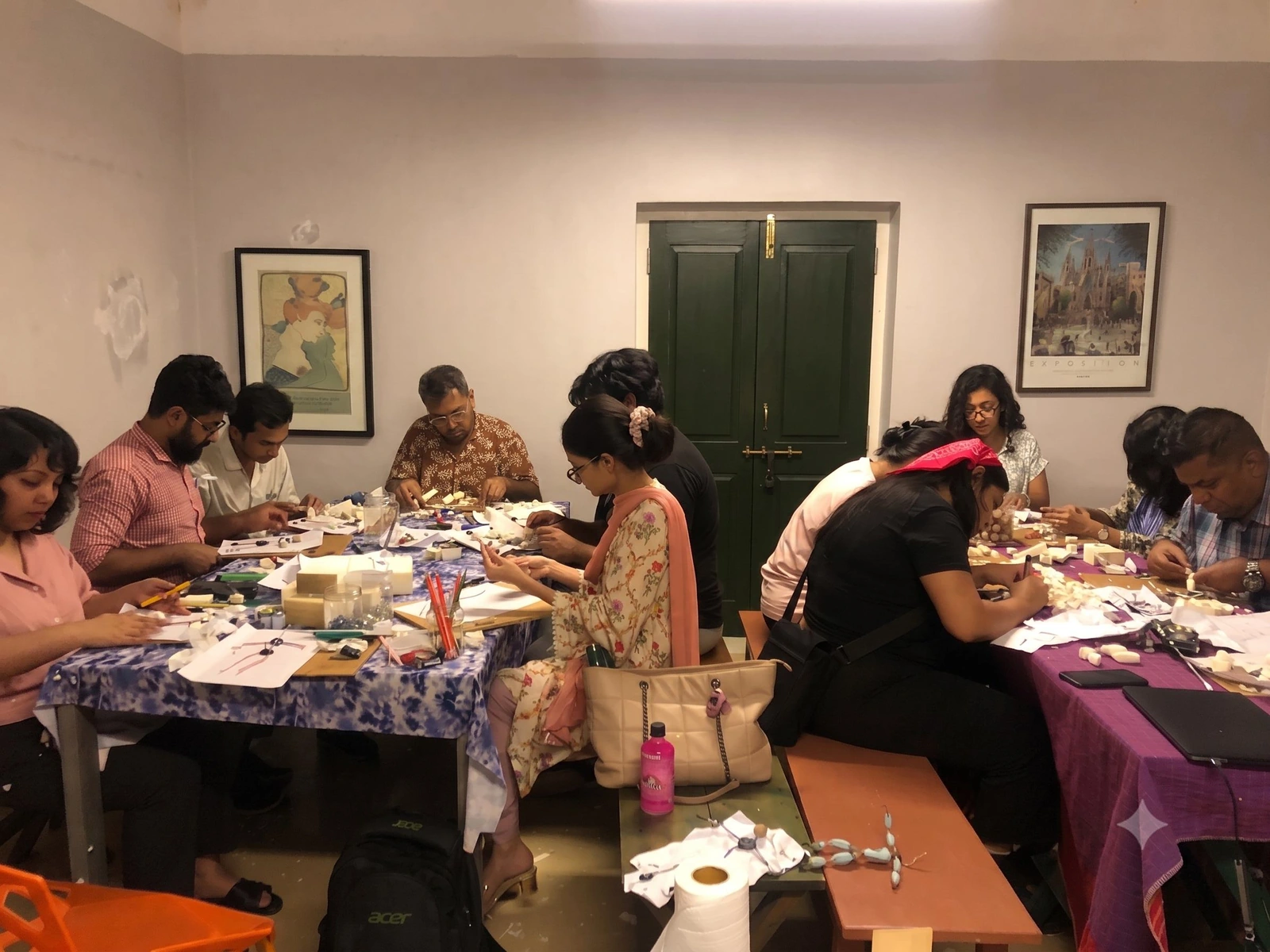
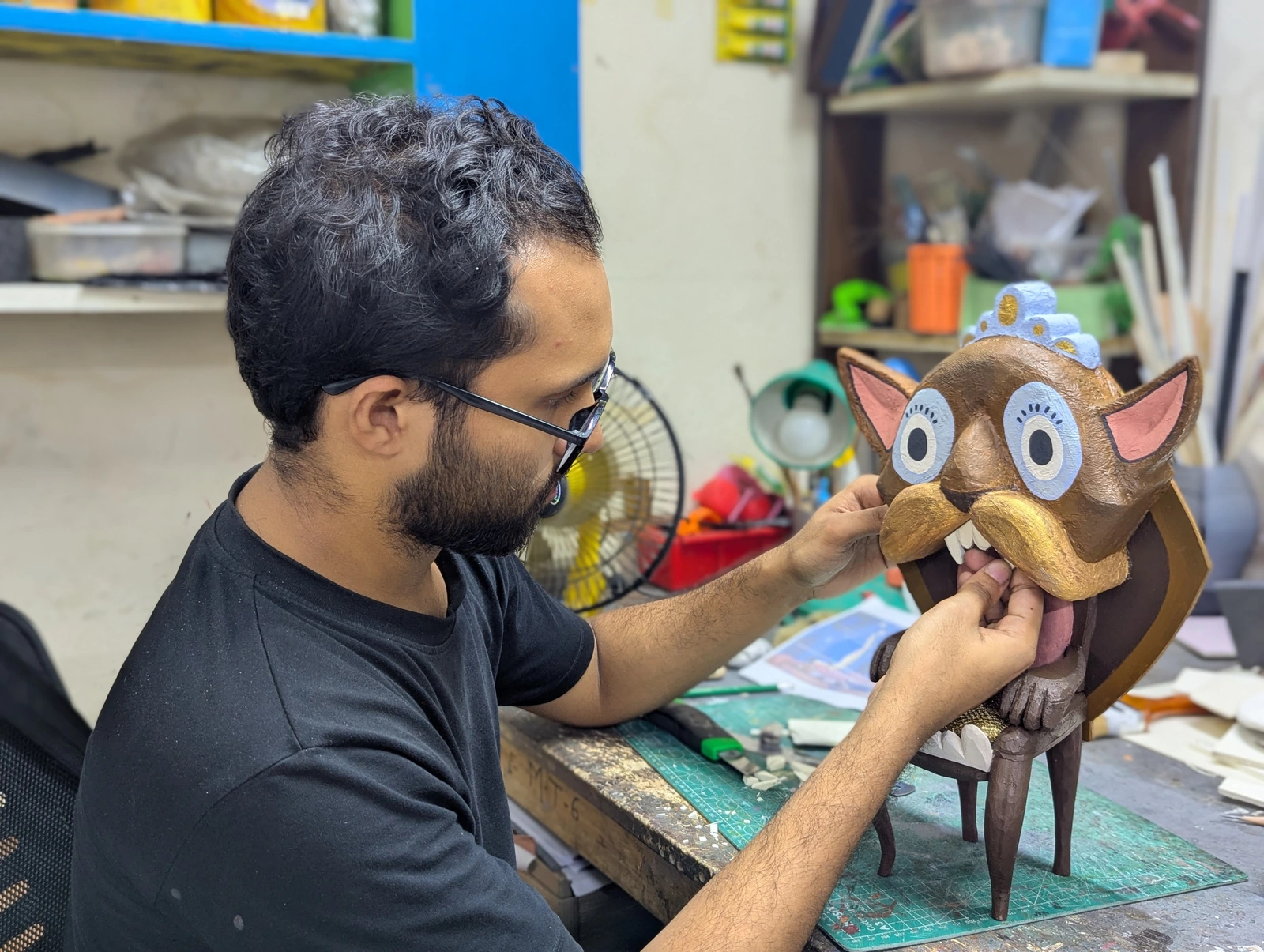
Learn the art of Stop Motion Animation through hands-on studio training. From puppet making to camera and lighting setup to character animation and acting to post-production, this 10-week course covers the complete animation process of creating beautiful hand-crafted stop-motion animation.
Create your own portfolio-ready stop-motion, and gain practical skills for pursuing opportunities in the animation industry.Receive industry feedback, career guidance, and a certificate of completion. Top-performing students may also be considered for opportunities at Ogopogo Studios. By the end of the course you should be able to make puppets and animate stop-motion films. Whether it's for our portfolio to show studios or to enhance your own content creation, stop-motion is a great skill to get into as people are moving away from AI slop back to appreciating the craft of hand-made animation.
- Format: 10 weekly classes · 10 weeks
- In studio
- Weekly: Friday, 10:00 AM - 12:00 PM
- Language: Bangla
- Level: Beginner
- Available seats: 10
- Tuition:
US$120.59US$96.47 (Early bird special: Save US$24.12) - Classes Start: 1 December 2026
- Registration Closes: 25 November 2026

Instructor
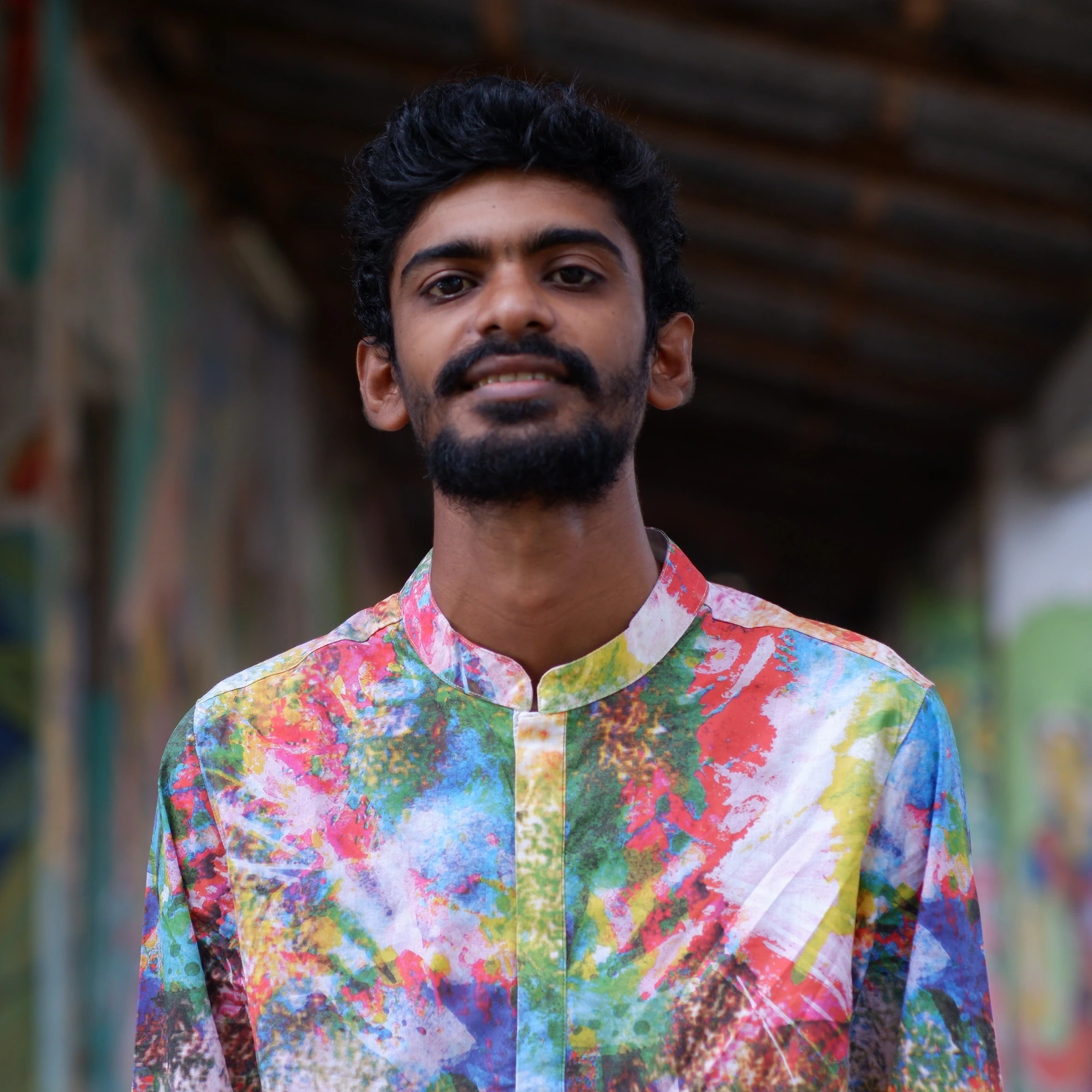
Md. Abu Oalid Siddique
Stop Motion Animator and Director
Md. Abu Oalid Siddiqui is a stop-motion animator and filmmaker currently working at Ogopogo Studio. With academic training in Film & Media Studies and hands-on studio experience, he specializes in story development, storyboarding, lighting, and animation production. As an instructor, he focuses on practical, hands-on learning. He guides students through the complete stop-motion production process from concept to final output.
Course gallery
Curriculum
Class 1: Introduction to Stop MotionUnderstand the stop motion pipeline .
- Introduction to stop motion workflow
- Frame-by-frame animation
- Types of Stop Motion: Object, Clay, Puppet, Cut-out
- Preparing a simple puppet for animation ( Pollob Baghchi )
Class 2: Understanding movementLearn how to control movement , timing, spacing
- Relationship between Frame, FPS & movement
- Fast vs Slow movement
- Even and uneven spacing
- Basic of Keyframe & breakdown
- Movement planning
- Practical: Bouncing ball
Class 3: The 12 Principles of Animation in Stop Motion ( part 1 )Apply animation principles to make movement more believable and expressive.
- Applying timing and spacing
- Anticipation and follow-through
- Squash and stretch in physical form
- Arcs and staging
- Overlapping Action
- Practical:Bouncing object, cloths, tail overlapping movement
Class 4: The 12 Principles of Animation in Stop Motion ( part 2 )Apply animation principles to make movement more believable and expressive.
- Slow In & Slow Out
- Arcs
- Secondary Action
- Exaggeration
- Basic rigging support for movement
- Practical:Clay mation
Class 5: Character Blocking & Basic MovementPlanning and animating a character’s action through key poses.
- What is Character blocking ?
- Pose readability
- Balance ও body weight
- How to move body parts of a character
- Action breakdown
- Basic rigging
- Practical:
- Character sits down / stands up / looks at something
Class 6: Character MovementCommunicate emotion and character through body language and performance.
- Gesture and body language
- Emotional communication through movement
- Performance beats in stop motion
- Subtle acting choices
- Building personality through motion
Class 7: Character PerformanceBring characters to life with facial performance, timing, and dialogue animation.
- Designing expressive facial changes
- Blink timing and eye performance
- Mouth shapes for dialogue
- Basic lip-sync workflow
- Combining facial and body acting
Class 8: Lighting, Composition & Final Scene CreationUse lighting and composition to create visually engaging and cinematic scenes.
- Lighting basics for miniature sets
- Composition and framing
- Creating mood and depth
- Preparing scenes for final shooting
- Capturing the final performance sequence
Class 9: Post-Production, Editing & Final OutputFinish the stop-motion project with editing, sound, and export for showcase.
- Importing frame sequences
- Editing shots into a final film
- Basic cleanup and color correction
- Adding sound and music
- Export settings for presentation and portfolio use
Class 10: PracticalFinish the stop-motion project with editing, sound, and export for showcase.
- Students do animation
Why Choose Ogopogo?